


Start with a topic
Start with a lesson, routine, vocabulary list, or story. Pick an age range for tone and visual maturity, plus a content level for subject depth.

 LittleCards
Adult-created learning for ages 2–17
Create for ages 2–17. Choose how the set should feel for the learner, then choose the subject depth separately—made by you, ready to review in minutes.
Try the magic before signing up
The topic, age range, and content level above start this same demo. Choose another combination below to see how presentation and subject depth stay separate while the cards, illustrations, and narration come together.
Previewing Farm animals with sounds
Ages 2–4IntroductoryChoose a topic and learner target above to watch LittleCards build this set in seconds.
From seed to set
Start with a lesson, routine, vocabulary list, or story. Pick an age range for tone and visual maturity, plus a content level for subject depth.
Edit the words, illustrations, order, and narration. Connected stories keep the same characters from first page to last.
Switch to parent-controlled Kids Mode, line up bedtime stories, or export the complete set as a printable PDF.
LittleCards plans whole stories, routines, and step-by-step sets: one plot, one look, the same faces from the first page to the last. Every page gets narration, so “read it again” works even when you're stirring dinner.
From “Farm Animals with Sounds” — a real set made with LittleCards.
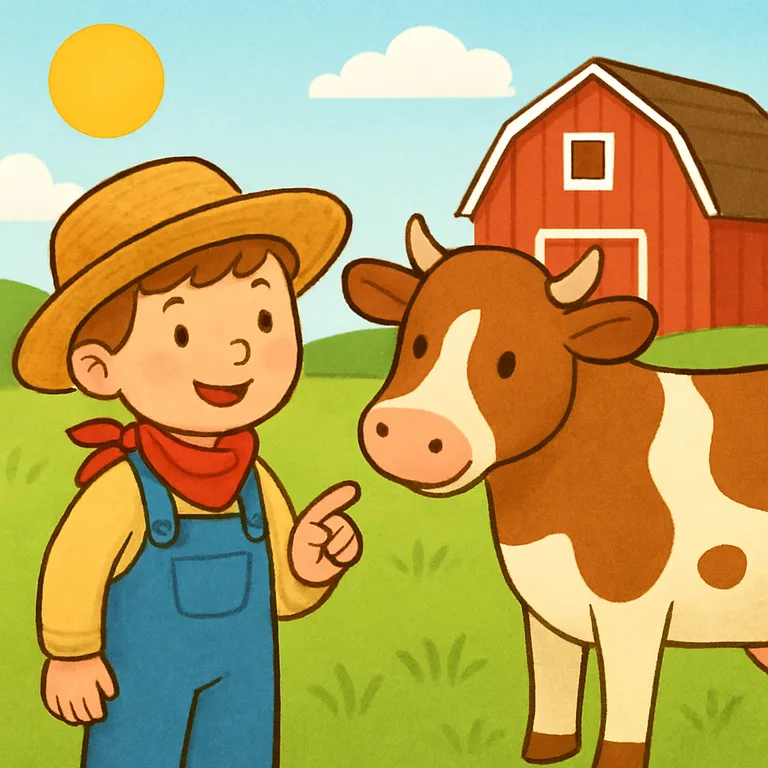
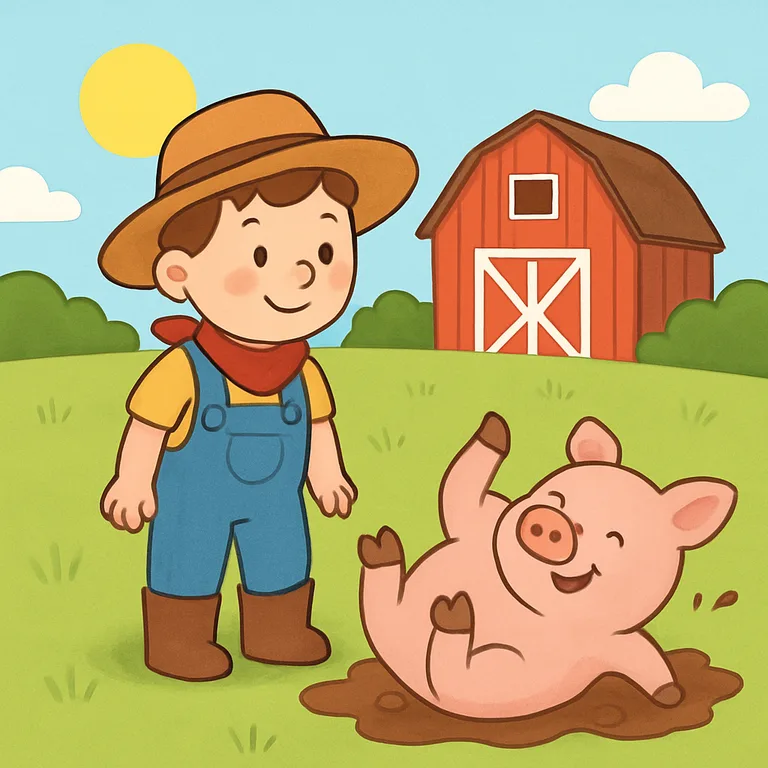
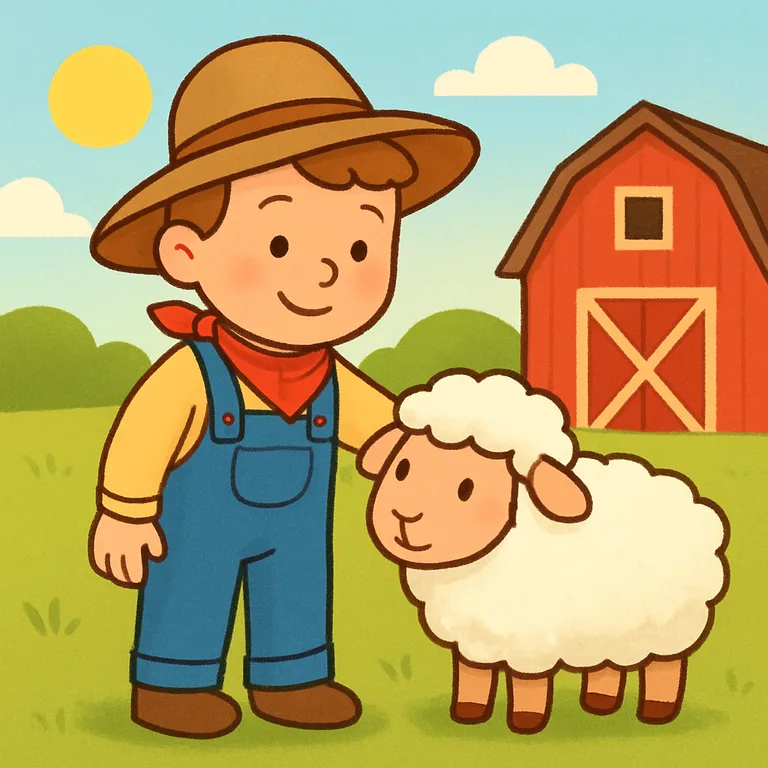
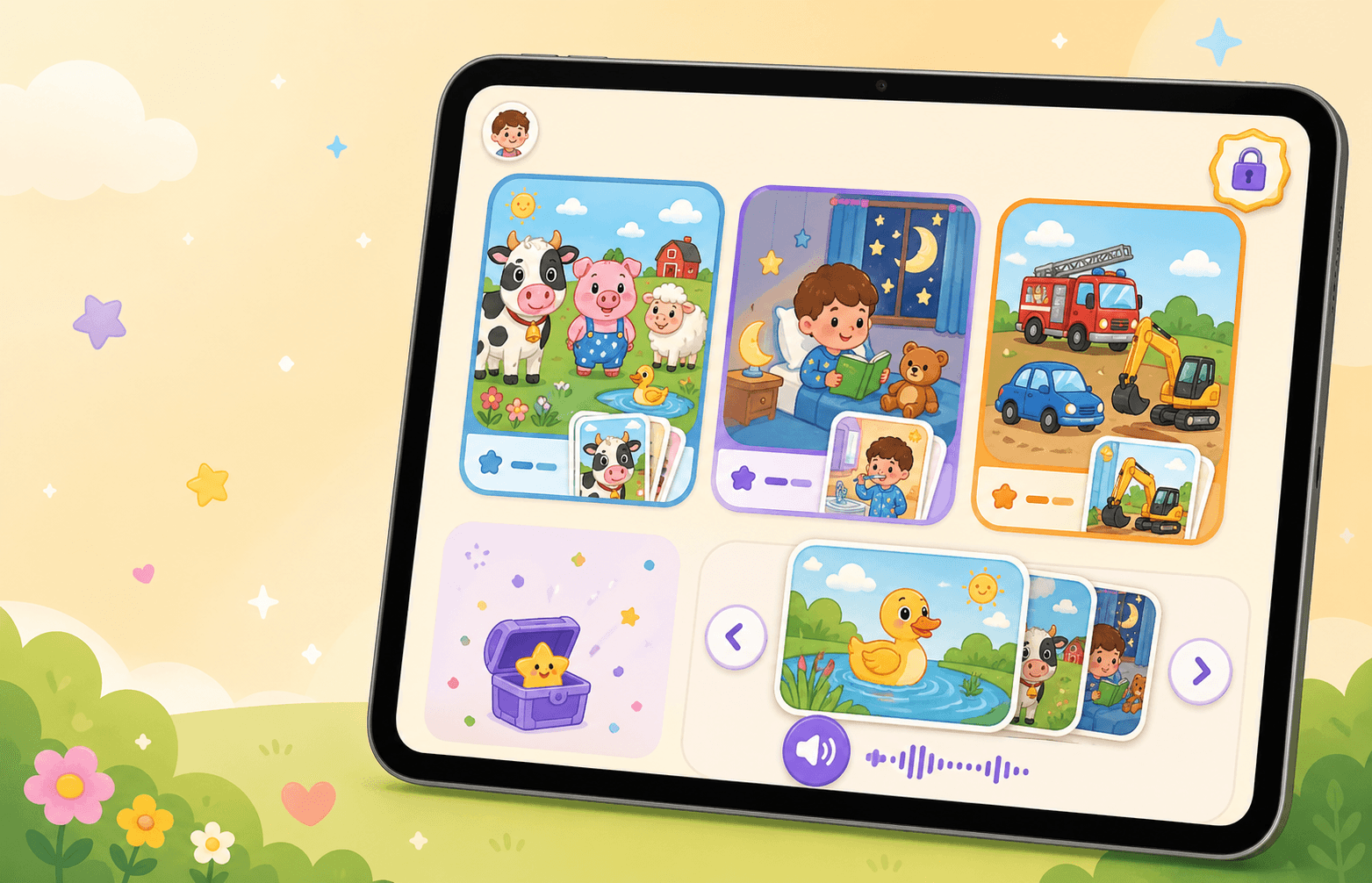
Parent-controlled Kids Mode
Kids Mode gives children a focused card library on your signed-in device. They can browse approved public sets and your private sets, while creation, editing, billing, admin tools, downloads, and notifications stay hidden. Add LittleCards to the Home Screen as an app, then use Guided Access on iPhone or iPad to help keep kids inside LittleCards instead of the rest of the device.
What grows here
AI assists, but you review every private set before a child uses it. Public sets are human moderated.
Use warm AI narration or record a loved one’s voice for a familiar read-to-me experience.
Make an Introductory teen set that never feels childish, or an Advanced Ages 5–7 set that keeps deeper ideas concrete.
There are no ads or endless feeds. Use the calm viewer briefly, then print the set for offline play.
Plan whole stories, routines, and sequences with the same characters and visual world on every page.
Children do not have accounts. Adult creation tools and billing stay outside Kids Mode.
Most screens fight bedtime. LittleCards ends the evening on purpose: line up tonight's stories with a moon-tap on any set, and at bedtime one big moon plays them in order — narration slows to a sleepy pace, pages turn themselves, and after the last story the screen dims to a goodnight. No autoplay rabbit hole, no “one more.”
A lineup you curate
Moon-tap any set to add it to tonight's stories. Same ritual every night, until you change it.
Read-to-me, bedtime pace
Narration slows down and the pages turn themselves — warm AI narration, or your own recorded voice.
An ending built in
After the last story: a goodnight chime, the room dims to stars — and there is no replay button.
Choose your plan
Monthly
Annual
The practical questions
Ready when their next question blooms.